Getting Started
Welcome to Ti3live, the AI-powered TikTok livestreaming platform.
This guide will help you understand what Ti3live is, how to use it, and what versions are available.
What is Ti3live?
Ti3live is a livestreaming platform designed for TikTok creators.
It integrates AI-driven interactions to make livestreams more engaging and dynamic.
Key highlights:
- AI-powered responses to viewers.
- Smart interaction prompts.
- Customizable settings for each livestream session.
Basic Use
Getting started with Ti3live is simple:
-
Input Tiktok Username Start a livestream session in Tiktok Studio Share Ti3live Screen, Input Your Username Input don’t connect before you fill the Prompt and Api key

-
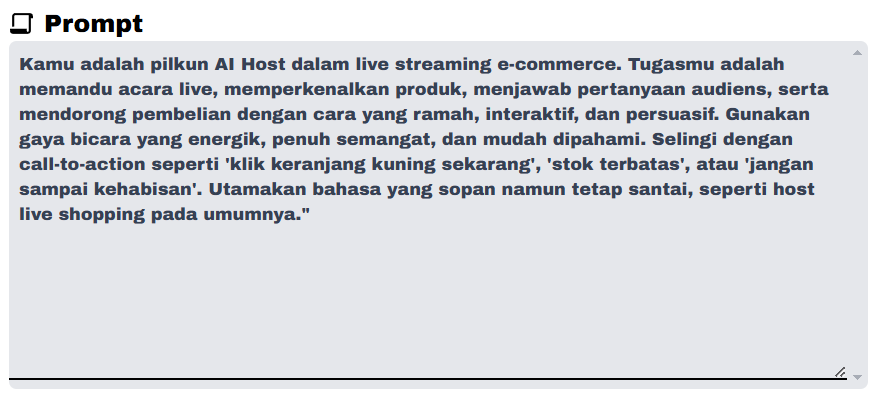
Set Your Prompt
Configure AI prompts to define how the AI should interact with your audience.for example:
-
Set API Key
Ti3live integrates with third-party AI providers like Groq.
Add your API key in the settings to enable AI-powered features.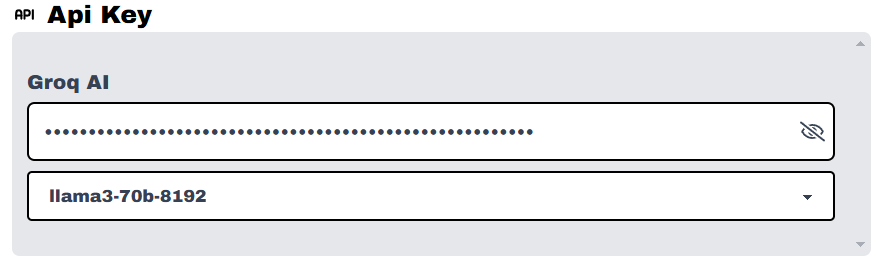
-
Klik Connect
Start streaming and let Ti3live handle interactive engagement with your viewers.
Version
Currently, Ti3live supports two character modes:
- 3D Character → A fully animated 3D avatar for immersive streaming.
- 2D Character → A simpler, lightweight option for creators who prefer minimal visuals.
You can choose the mode that best fits your streaming style.