Resource
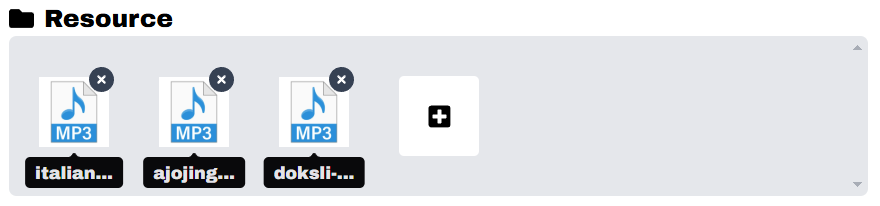
The Resource feature allows you to import and manage external files inside the platform.
Currently, only the following file types are supported:
Supported File Types
-
Audio (MP3, Wav)
Import.mp3, .wavfiles for background music, sound effects, or voice interaction. -
Animated Image (GIF)
Import.giffiles to display looping animations or reaction images.
File Size Limit
- Maximum file size allowed: 5 MB
- Larger files will be rejected during upload.
Storage
- All resources are stored in indexedDb of the application.
- This ensures quick access and offline availability.
- Resources will not be uploaded to external servers.
Usage
- Navigate to the Resource settings in your dashboard.
- Select Upload Resource.
- Choose either:
.mp3file for audio.giffile for animated image
- Confirm the upload.
- The file will be saved into local storage and can be used instantly.
Last updated on