Interaction Settings
Welcome to the interaction settings guide. Here, you’ll learn how to configure both 3D and 2D interactions for your content.
Important: All of these interaction settings can be configured through the user interface on your platform.
3D Interaction
3D Interaction Settings
This section contains interaction settings specific to three-dimensional models and environments. 3D interactions often require different resources to create a truly immersive experience.
Key Features
-
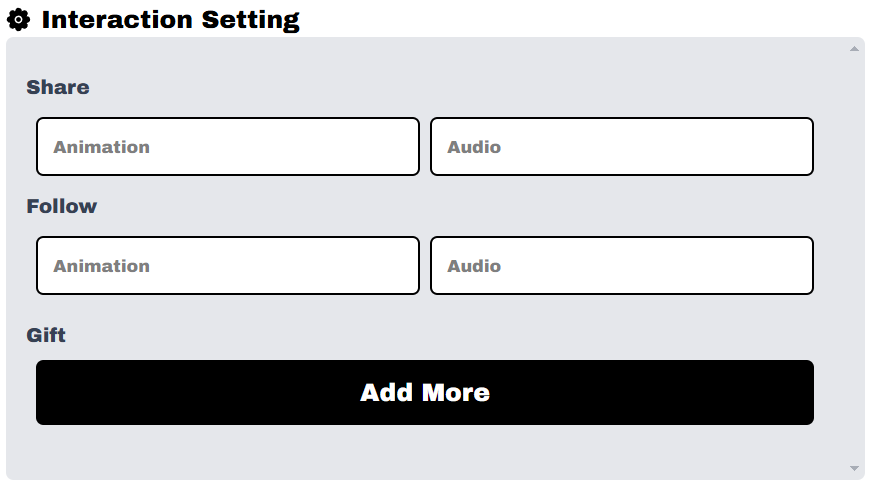
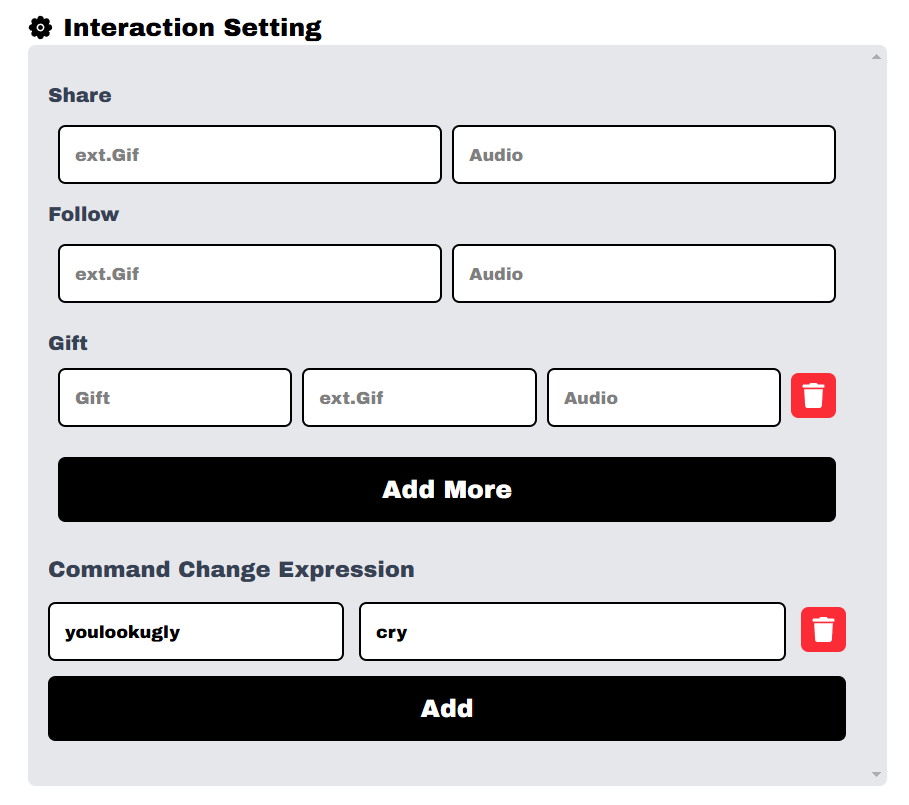
Set audio resourceThis feature allows you to attach an audio file to a 3D interaction. This is useful for creating immersive sound effects or background music that is triggered when a user interacts with an object. Resource. -
Set Follow And ShareConfigures the ‘Follow’ and ‘Share’ functionality on a 3D element. This helps users follow content creators or share the interactive experience directly from the 3D scene. -
Set Gift InteractionDefines the response that occurs when a user sends a virtual “Gift.” This interaction can be a special visual effect, an animation, or even a sound that celebrates the gift.